
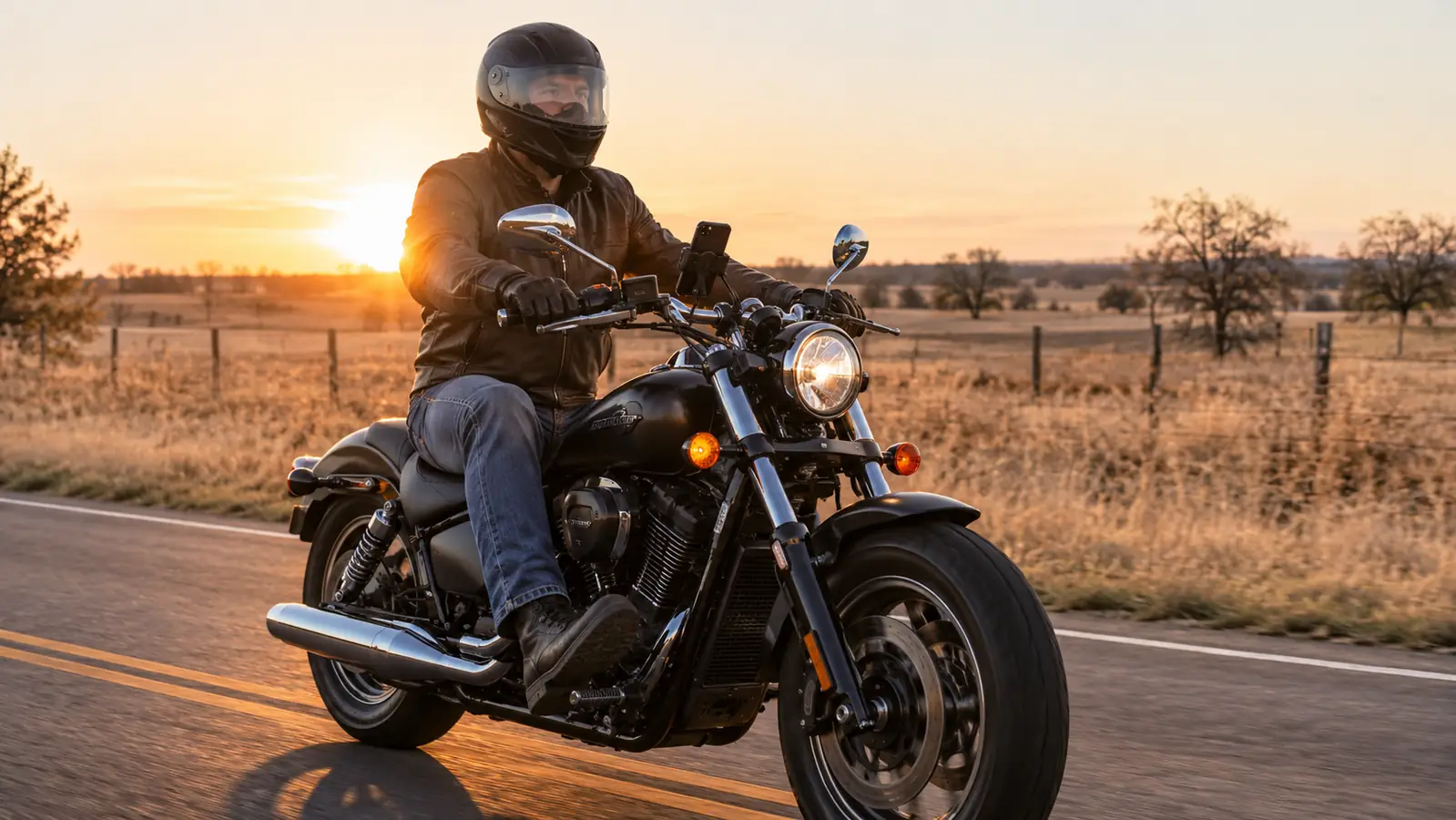
Six miles west of the Grand Lake turnoff, the voice in my helmet told me to turn left. I caught maybe three words of it. The rest went under the wind. I turned right anyway, because right is where the road went, and then I spent eleven miles working out how to get back onto the route I had planned.
That was years ago and I still think about it, because the fix was not a better headset. The fix was about twenty minutes of setup I had never done. GPS audio on a motorcycle is a chain: phone, app, Bluetooth link, speaker placement, and the noise inside your own helmet. Any weak link and you get half a sentence at exactly the moment you needed the whole thing. The unit I run now is a Cardo SPIRIT, and it does its part well, but it still cannot out-shout a bad setup. Here is the order I do things in now, and the order I would hand to a friend.
Set It Up Once and Hear Every Turn
The Cardo SPIRIT pairs with any Bluetooth phone and with other headsets of any brand, and it updates over the air through the Cardo Connect app.
Amazon Check Today's Price on Amazon →How the Audio Actually Travels
Your phone does not send turn instructions to the helmet. It sends audio, the same stream it would send to a pair of wireless earbuds, and your navigation app is only one of several things talking at once. Music, a text alert, a phone call, and the turn prompt all arrive on that stream and take turns. When the phone thinks the headset is a calls-only device, the navigation voice goes out the phone's own tiny speaker inside your jacket pocket and you hear nothing. When the phone thinks the headset is a media device, the prompt arrives in your ears and the music dips for a second while it talks.
Once that clicks, the job stops being mysterious. You are not trying to make a speaker louder. You are trying to get the phone to route the voice to the right place, then give it enough level to survive the wind. Everything below is in that spirit.
Step 1: Pair the headset standing still, with the helmet off
Power the Cardo on first, then open the Bluetooth menu on your phone and wait. The SPIRIT shows up the way any Bluetooth headset does, and the listing carries the Cardo name so you know you have the right one in a crowded menu. Tap it, accept the pairing request, and let the two of them finish talking before you touch anything else.
Do this in the garage, not at the gas pump with gloves on. The confirmation tones are short and quiet, and you want to hear them plainly the first time so you know what a good connection sounds like. After that first pairing, the two devices should find each other on their own whenever you power the headset up with the phone nearby, and you will never think about it again until something changes.
One thing worth knowing: this unit connects with any other Bluetooth headset of any brand, so the pairing routine is the same whether your riding partner runs the same gear or something else entirely. That universal connection is the reason I stopped caring what brand anyone else bought.
Step 2: Tell the phone which channel to use
On an iPhone, go to Settings, then Bluetooth, tap the info button beside the Cardo entry, and make sure both Phone Calls and Media Audio are switched on. Media Audio is the one that carries the navigation voice. If it is off, your turns go to the phone speaker and you will spend the whole ride convinced the headset is broken.
On Android the toggles live in the same place under slightly different names, usually Calls and Media audio. Turn both on. That is the entire step, and it is the one most people skip.
Then open the navigation app itself. Google Maps and Waze both have a setting for whether guidance plays over Bluetooth, and both have a guidance volume slider inside the app that is not the same slider as your phone's media volume. Set that guidance slider high, near the top, and leave it. I also turn on the setting that keeps the screen awake during navigation, and I download the map area for wherever I am headed. Eastern Oklahoma has long stretches where the signal quits, and a phone with no map data has nothing to say to you at 55 mph.
Step 3: Set the volume at the source, not on the helmet
This is the mistake that cost me the most miles. There are two volume systems in play. The phone has a media volume and the headset has its own level, and they multiply. If the phone sits at forty percent and the headset is wide open, you get a thin, distant voice that sounds like a failing speaker, and you will spend money replacing a speaker that was fine.
So set the phone's media volume to about three quarters before the helmet goes on, play a song or a podcast for ten seconds, and then trim the headset until it is comfortable standing in the garage. Wind will eat some of that on the highway, and you want headroom left to add a little at speed instead of running flat out and getting distortion.
While you are in there, silence the notifications you do not need. Every chime takes the channel for a second or two, and a turn prompt that lands right after a text alert can get clipped to nothing. I keep calls on, keep messages silent, and let the navigation app have the channel mostly to itself.
Step 4: Get the speakers over your ears, not near them
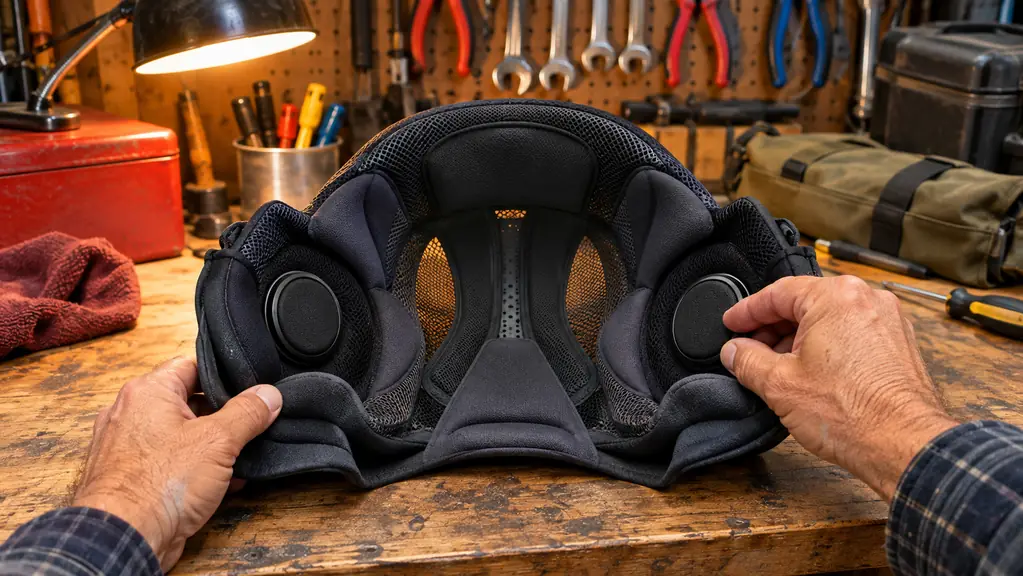
A 32 millimeter driver is not going to overcome a speaker aimed at your cheekbone. Those speakers need to sit roughly over your ear canal, and most helmets have a pocket cut into the liner for exactly that. Open the liner, seat them in the pockets, and check with your hand that they are centered rather than pushed forward. Too far forward and you get a thin, distant sound that sends you shopping for a louder unit you do not need.
The SPIRIT is listed at 150 grams, so the weight is not what bothers you. Fit is. If the helmet itself is loose, or the shield does not seal along the brow, wind roar will beat any speaker at any level. The active noise cancellation on those drivers helps with a steady roar, but it is not going to rescue a howling shield edge. I own a helmet I like and a helmet I do not, and the difference in what I can hear is not subtle.
Microphone placement matters less for turn prompts than for calls, but set it once and be done. The boom should sit close to your mouth without touching your lips, with the wind sock on. Anything you are adjusting at a stoplight is something you should have handled in the garage.
Step 5: Test on a road you already know
Do not debut a new setup on a 200 mile day. Take a twenty minute loop on streets you could ride half asleep, and listen for the pattern rather than the words. Turn prompts are formulaic. In five hundred feet, turn right onto whatever road. If you get the road name and the direction but lose the distance, your level is marginal. If you hear nothing until the turn is already on top of you, the audio is landing on the wrong channel. If it only drops out at highway speed, that is wind, and you are back to fit and level.
Then take it up to highway speed on a stretch with no turns coming and see what survives. Make every adjustment stopped, never rolling. I stop, thumb the phone volume, start again. Two or three passes and you will know whether the setup is right, and after that you stop thinking about it, which is the entire point. A GPS you have to fight is worse than no GPS, because a fight takes your eyes off the road.
What Else Helps
Keep the phone where the Bluetooth link is not fighting your own body. A phone in a chest pocket under a jacket and a rain layer has a torso between it and the helmet, and Bluetooth does not care for that. A tank bag or a bar mount keeps the phone up in the open air, and both have given me a steadier connection than any pocket ever did.
Update the unit. The SPIRIT is a Generation 2 device and it takes over the air software updates through the Cardo Connect app, which is the control method the spec sheet lists. Open the app and let it run on the bench in the garage rather than on the shoulder of a county road. I have had a small pairing quirk clear up after an update more than once.
Charge the night before. That sounds obvious until you are at a lake road pullout with a dead phone and a route you cannot read. I keep a short cable in the tank bag and top the phone off at lunch.
A word on earplugs, because it surprises people. Good foam plugs cut the wind roar that masks everything else, and plenty of riders find the voice clearer with plugs in than without. I do. Try that before you decide you need more speaker.
And mount the phone where a glance is a glance. If the mount sits low on the bars and you have to drop your whole head to read it, you have built a GPS that competes with the road for your attention.
Two Things I Would Not Do
I would not keep turning the volume up until traffic disappears. There is a level where helmet audio drowns out the car in the next lane, and that level is a bad trade. If you cannot hear a horn at all, you are past the useful point, and the real fix is the wind problem, not the volume knob.
I would not stare at the screen. The voice exists so you do not have to. If the guidance is unclear, pull over, look, and start again. I had one low speed slide on gravel years ago and walked away with scuffed gear and a sore wrist, and I have been a little more deliberate about what I do at speed ever since.
The GPS was never the problem. My phone had been telling the headset to whisper, and I spent two years blaming the speakers.
Hear the Whole Sentence Next Time
Pair it in the garage, put the voice on the media channel, and seat the speakers over your ears. The Cardo SPIRIT handles the rest and works with whatever phone you already carry.
Amazon Check Today's Price on Amazon →